Gaming Clips - 4K recorder
The 4K game recorder built for mobile gamers
Capture clutch plays, combos and highlights in up to 4K, without the lag, bloat or battery drain of a general-purpose screen recorder.
About Gaming Clips
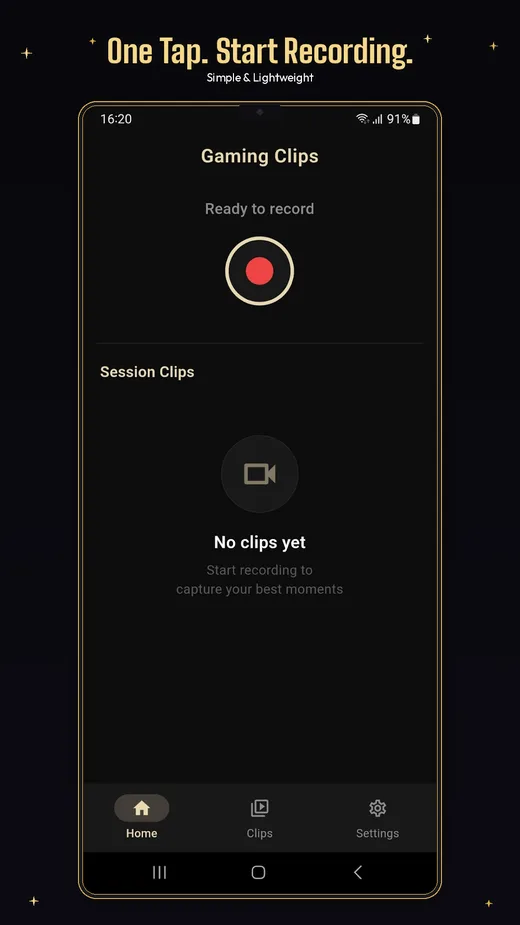
Gaming Clips is a screen recorder for games that does one thing really well: record gameplay on Android beautifully, with minimal impact on performance. No bloated menus, just tap and record.
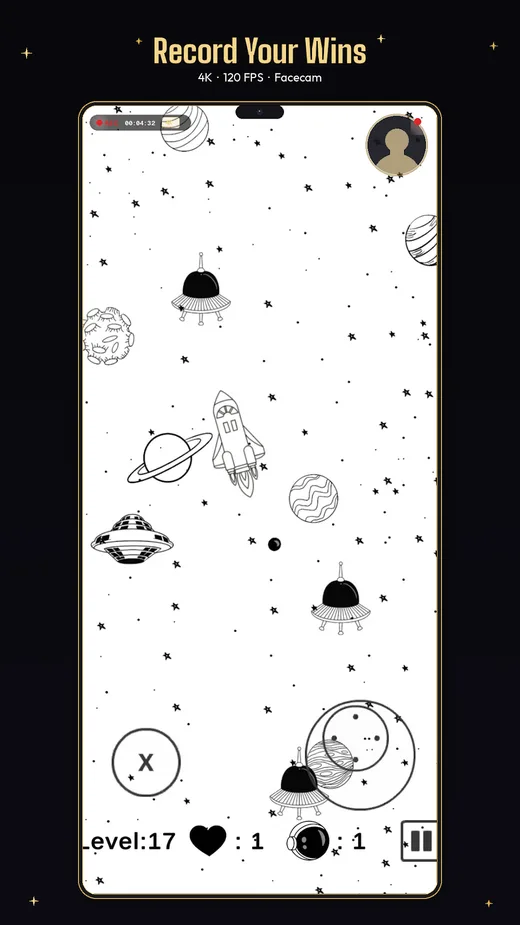
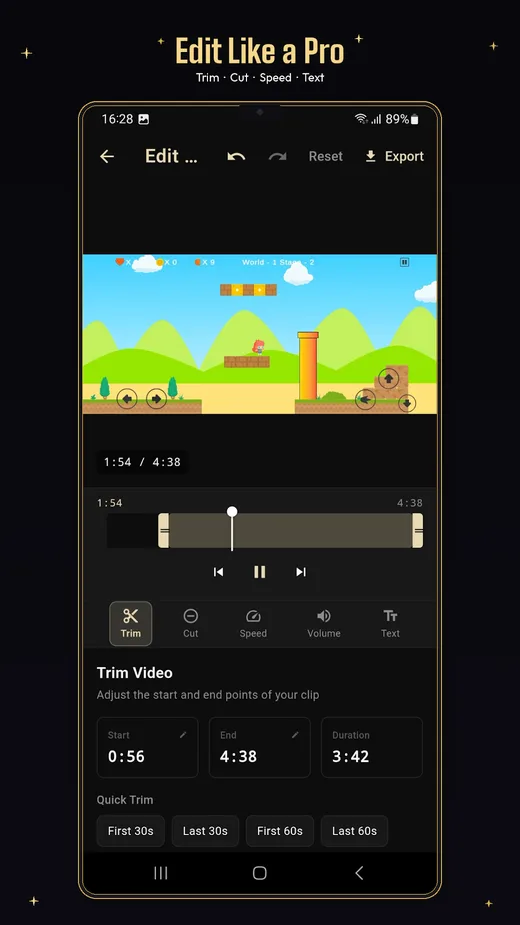
Whether you're grinding ranked in a battle royale, landing combos in a fighting game or speed-running a platformer, Gaming Clips captures it with internal audio, then lets you trim and cut your game clip before you share it. Recordings never carry a watermark.
Features
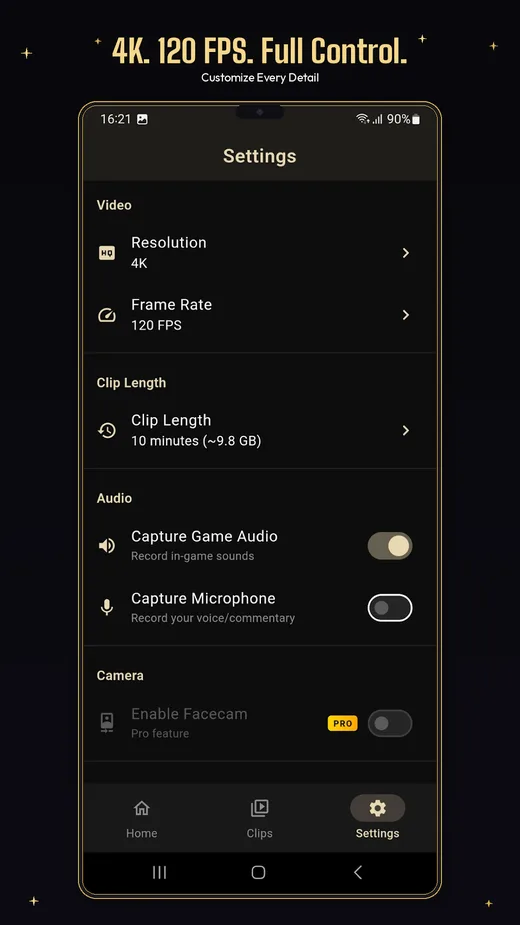
Up to 4K recording
Crisp gameplay capture at up to 4K resolution.
Internal audio
Record the game's sound, not your room.
No watermark
Your clips stay clean and ready to post.
Built-in editor
Trim, cut and tidy a clip before sharing.
Lightweight
Minimal CPU, RAM and battery use while you play.
Pro option
Longer recording sessions for full matches with a subscription.
How it works
- Open Gaming Clips and start a recording.
- Switch to your game and play.
- Stop recording when the moment's over.
- Trim the clip and share it.
Perfect if you love…
- record gameplay
- game clip recorder
- screen recorder for gameplay
- gaming highlights
- mobile esports
Questions
Does Gaming Clips add a watermark?
No. Recordings never include a watermark.
How long can I record?
The free version records clips of up to 5 minutes, which is ideal for highlights. Pro extends sessions to 30 minutes for full matches.
Can it record game audio?
Yes. Gaming Clips records internal audio, so your clips have the game's sound.
Is it available on iPhone?
Gaming Clips is currently available for Android on Google Play.